 View event registrations
- In the left-hand menu bar, click Projects. This displays a list of all existing projects.
- Click on a Title to open a project.
- In the project sub-menu under Content, click Events. This shows all the events that exist for this project.
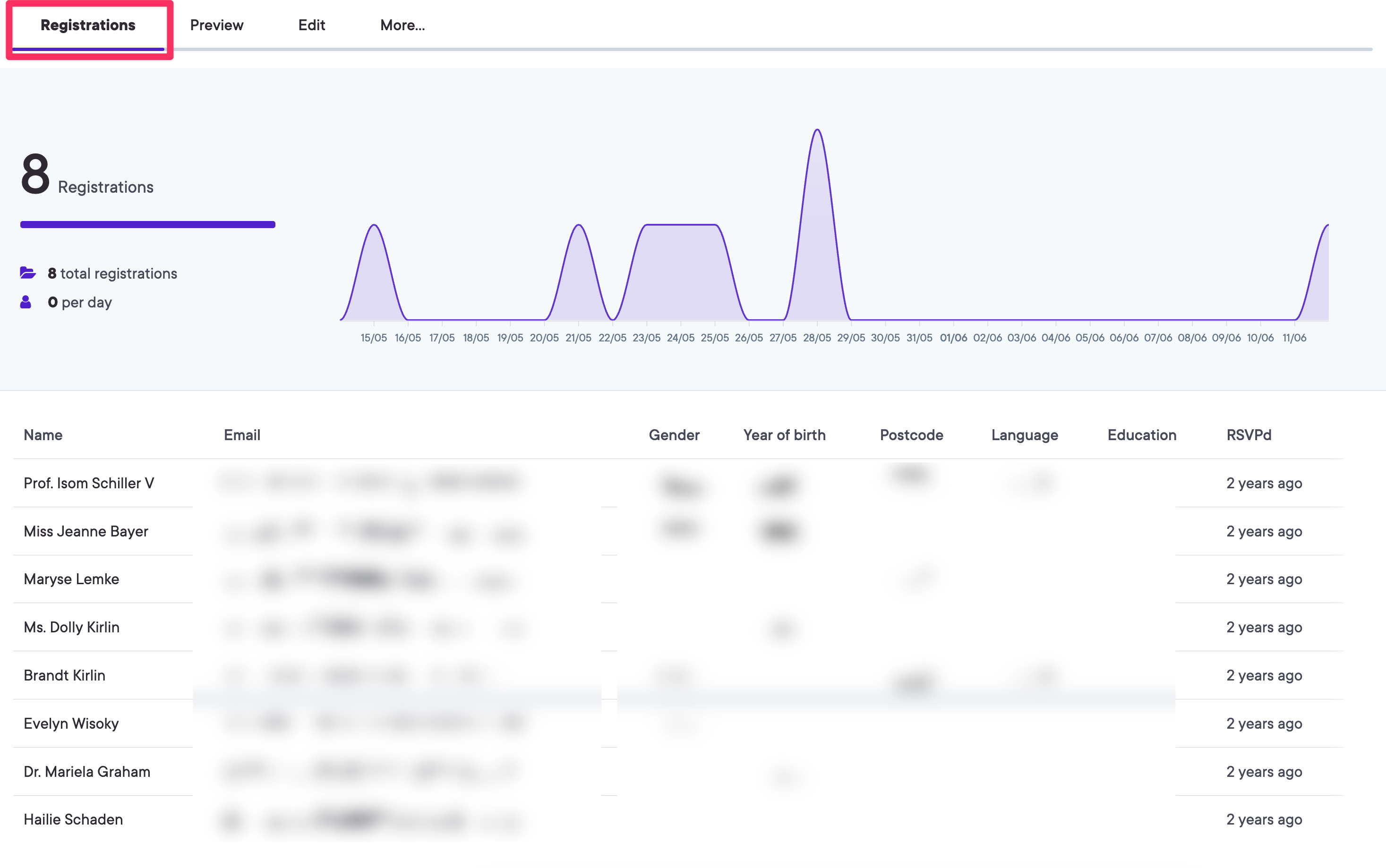
- Select an event. The default landing page is Registrations, where you can see the full list of users that have registered to attend the selected event.
- The registrations page displays detailed attendee information including:
- User name - Click on any name to view the user's full profile
- Contact details - Email addresses and phone numbers (if provided)
- Location information - Postcodes and regional data
- Additional profile details - Any extra fields you've enabled such as gender, education level, or custom fields
Note: If you've enabled the "Allow RSVP" option when creating your event, users can register online and their details will appear here. If RSVP is disabled, the Registrations tab will not be visible.
The detailed attendee information helps you better plan your events by understanding participant demographics, accessibility needs, and location distribution. You can use this data to improve catering estimates, parking arrangements, and follow-up communications.